
Claudeforce Setup Guide: Connecting Salesforce with Claude
Connect Salesforce with Claude using MCP. Follow the four-step setup guide covering OAuth, connector configuration, authentication, and governance.
AI Agents ·
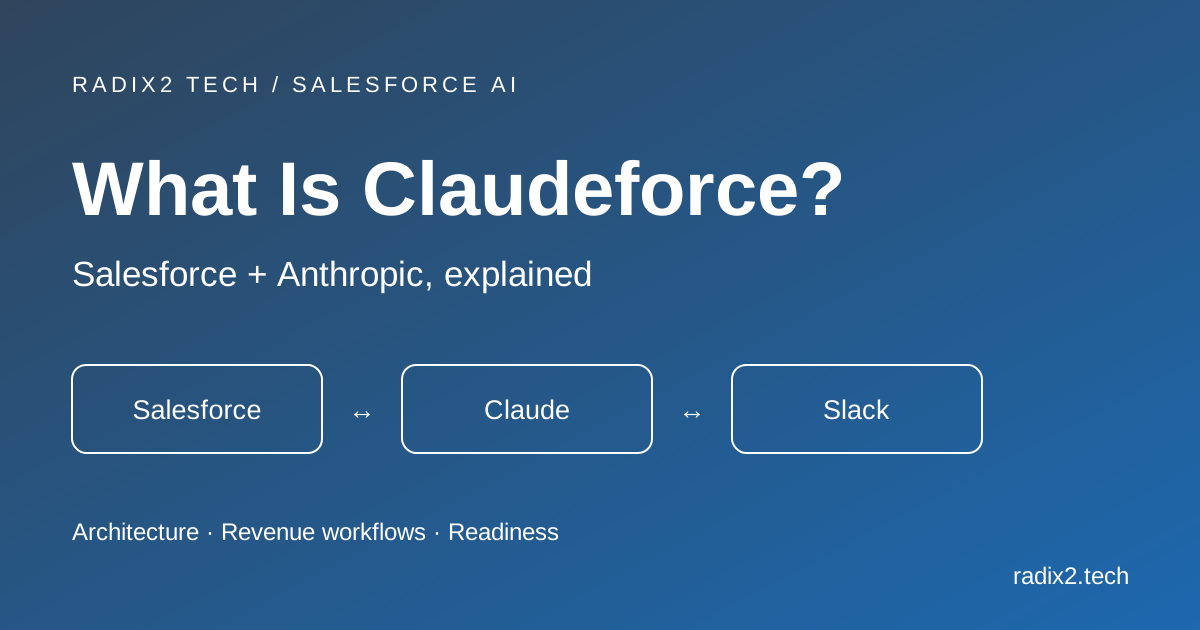
Claudeforce is the industry term for integrating Anthropic’s Claude models with Salesforce data. It is not an out-of-the-box button or a standalone Salesforce SKU; rather, it combines two architectures:
- Claude as the AI Engine in Agentforce: Using Claude models hosted securely on Amazon Bedrock to drive autonomous agents inside Salesforce.
- Salesforce Inside Claude Workspaces: Connecting the Claude Desktop application to Salesforce via Anthropic’s open-source Model Context Protocol (MCP), allowing revenue teams to query pipelines, draft updates, and review deal health directly in chat.
This guide covers the operational setup for connecting Salesforce to Claude via MCP without getting bogged down in low-level code.
Prerequisites
Before configuring the integration, confirm your organization has:
- Salesforce: Enterprise, Unlimited, or Developer Edition with API access and administrative permissions to create External Client Apps or Connected Apps.
- Claude Client: The Claude Desktop application (as native Model Context Protocol support currently runs through desktop and developer environments rather than direct one-click web browser extensions).
- Claude Account: A Claude Pro, Team, or Enterprise account.
4-Step Setup Process
Step 1: Create an OAuth App in Salesforce
To allow Claude to communicate with Salesforce, you must define an authentication endpoint:
- From Salesforce Setup, navigate to App Manager (for Connected Apps) or External Client App Manager (Salesforce's modern standard).
- Enable OAuth settings and assign the scopes needed for your team:
Access and manage your data (api)Perform requests on your behalf at any time (refresh_token, offline_access)
- Require PKCE (Proof Key for Code Exchange) for security.
- Save the app to obtain your Consumer Key (Client ID) and Consumer Secret.
- For exact field-by-field Salesforce instructions, see the official Salesforce External Client Apps Documentation.
Step 2: Configure the Salesforce MCP Connector
Claude communicates with external databases through the Model Context Protocol (MCP), a standardized open protocol developed by Anthropic.
- An MCP connector runs either on the user’s local machine or as a hosted private service within your company network.
- Add the Salesforce connector definition to your
claude_desktop_config.jsonfile along with your Salesforce domain URL and the credentials from Step 1. - For configuration files, installation commands, and desktop JSON setup, refer to the Model Context Protocol Quickstart Guide.
Step 3: Authenticate User Accounts
Security in Claudeforce is strictly user-delegated:
- When a team member starts the connection, they log in with their personal Salesforce single sign-on (SSO) or standard credentials.
- Inherited Security Controls: Claude operates entirely within that specific user’s existing permissions. It automatically respects Role Hierarchies, Object-Level Security (OLS), and Field-Level Security (FLS). If a rep does not have permission to view deal margins or executive contacts in Salesforce, Claude cannot retrieve or display that data.
Step 4: Run a Test Query
Once the connector initializes, a tools icon will appear in the Claude Desktop chat window. You can verify the link by asking:
"Check my open pipeline closing this quarter. List the top 5 deals by value along with their current stage and the date of the last logged activity."
Claude will translate the prompt into a SOQL query, fetch the live records via the Salesforce REST API, and present them in a clean summary table.
Security & Governance Reality
- Zero Training on Customer Data: Under Anthropic’s commercial and enterprise terms, data transferred through API connections is never used to train public foundational models.
- Standard API Governance: Every read and write follows standard Salesforce REST API rules and counts against your organization's normal daily API allocations.
- Human-in-the-Loop Writes: For record updates (like moving deal stages or editing close dates), configure your MCP settings to require rep confirmation before committing any change to production.
Need Help With Your Claudeforce Rollout?
While connecting the endpoints is straightforward, issues like duplicate records, untracked custom fields, and loose sharing rules often prevent AI tools from delivering reliable answers.
Radix2 works with enterprise sales and RevOps teams to audit CRM data models, set up secure connectors, and build workflows your team can actually rely on.