
Salesforce REST API vs. SOAP API vs. Bulk API: Which Should You Use?
Compare Salesforce REST, SOAP, and Bulk API 2.0 by execution style, payload, record volume, limits, and the integration scenarios each one handles best.
Salesforce Integration ·
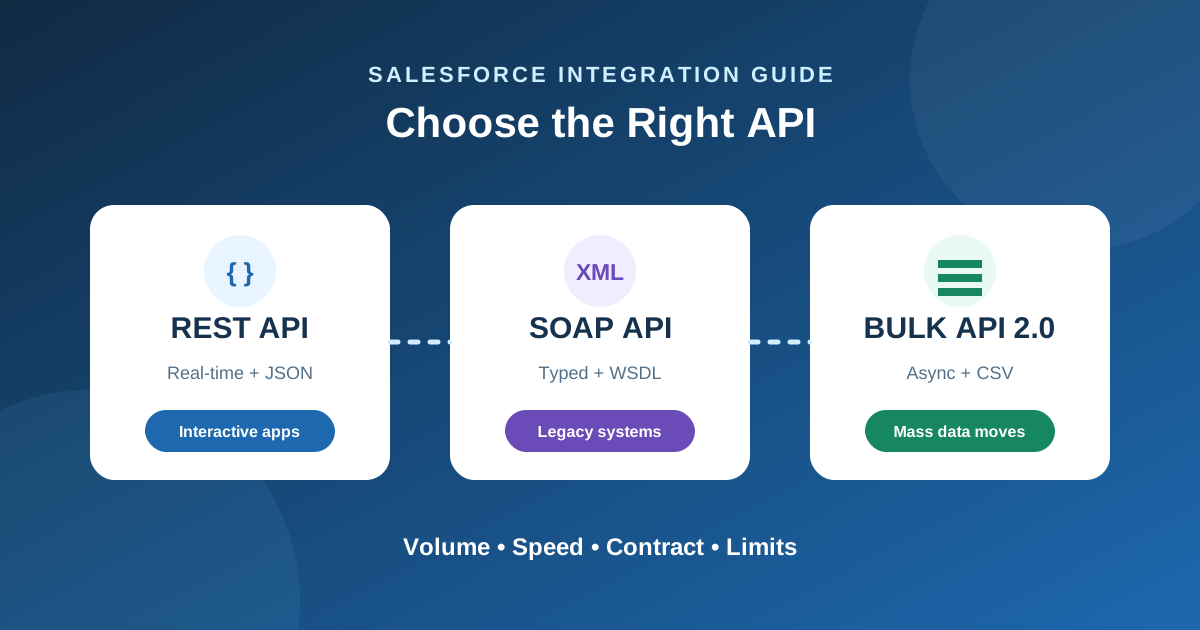
Connecting outside systems to Salesforce is rarely a straightforward decision. The platform gives you several ways to move data in and out, but three usually dominate technical discussions: REST, SOAP, and Bulk.
Pick the wrong one, and you can run into daily governor limits, sluggish page loads, or a brittle integration that requires constant maintenance. Here is a practical breakdown of how these three APIs behave in production and how to choose the right one for your build.
At-a-Glance Comparison
| Criteria | REST API | SOAP API | Bulk API 2.0 |
|---|---|---|---|
| Execution style | Synchronous | Synchronous | Asynchronous |
| Payload formats | JSON, XML | Strict XML (WSDL) | CSV |
| Record volume | Low: single records and up to 25 composite subrequests | Low–medium: batches up to 200 records | Massive: tens of thousands to millions |
| Limit impact | Standard 24-hour API call allocation | Standard 24-hour API call allocation | Bulk API processing limits |
| Primary sweet spot | Mobile apps, SPAs, lightweight integrations | Legacy middleware and contract-first ESBs | ETL/ELT pipelines and warehouse syncs |
1. Salesforce REST API: Built for Modern, Interactive Apps
The REST API is the default choice for modern web and mobile applications. It handles lightweight requests cleanly, supports native JSON, and works well with standard HTTP client libraries in Node, Python, or Go.
Why Developers Use It
- Native JSON support: Payloads stay small, with no need for custom XML parsers.
- Composite resources: Endpoints such as
/compositebundle up to 25 related subrequests into one call, helping conserve the daily API allocation. - Easy setup: There are no schema files to download or compile into the application.
Where It Falls Short
- It is synchronous: Calls that trigger complex validation logic can time out.
- It is not designed for large batch jobs: Updating 20,000 records one by one can quickly exhaust API quotas.
When to Pick It
- Updating a customer record immediately after a form submission.
- Building a dashboard or mobile app that fetches account details on demand.
- Triggering real-time notifications or lightweight webhooks between systems.
2. Salesforce SOAP API: For Formal Contracts and Legacy Systems
SOAP uses XML and a Web Services Description Language (WSDL) file to establish a strict contract between Salesforce and the client application.
Why Teams Still Use It
- Strict type safety: Client code generated from an Enterprise WSDL can catch data mismatches during compilation.
- Built-in record arrays: A single synchronous call can include up to 200 records.
- Native enterprise fit: Older ESBs, on-premise middleware, and Java frameworks often expect SOAP endpoints.
Where It Falls Short
- Heavy payloads: XML envelopes add bandwidth overhead to every request.
- Maintenance overhead: Schema changes can require a new WSDL, regenerated client stubs, and a redeployment.
When to Pick It
- Your architecture requires explicit, WSDL-based type checking.
- You are connecting legacy enterprise middleware without flexible REST adapters.
3. Salesforce Bulk API 2.0: For Moving Heavy Datasets
When row counts climb into the tens of thousands, synchronous endpoints become a liability. Bulk API 2.0 runs asynchronously: you upload a CSV, and Salesforce queues, chunks, and processes the job in the background.
Where It Really Shines
- Dedicated bulk-processing allowance: Heavy migrations do not consume the same request pattern as row-by-row production integrations.
- Automatic batching: Version 2.0 handles batch sizing and queuing without manual chunking logic.
- Better for active orgs: Salesforce controls job processing in the background, reducing the pressure that a synchronous import can place on users.
The Trade-Offs
- No immediate result: Your integration must poll job status and retrieve failed-record details after processing.
- Not interactive: Bulk API is the wrong fit for instant search or a single-record refresh.
Best Scenarios for It
- Moving hundreds of thousands of records during a platform migration.
- Running overnight ETL jobs from Snowflake, BigQuery, or another warehouse.
- Cleaning up stale opportunities, old cases, or orphaned contacts on a schedule.
The Practical Decision Rule
- Choose REST for real-time transactions, mobile clients, modern microservices, and anything where a user is waiting for an answer.
- Choose Bulk API 2.0 for batches larger than a few thousand rows or scheduled background syncs.
- Choose SOAP when an existing system or integration platform explicitly requires a WSDL contract.