
Salesforce Staff Augmentation: How to Scale Your CRM Team Without Hiring Delays
Learn how to onboard and manage augmented Salesforce developers, set up sandbox and CI/CD guardrails, and clear backlogs without long hiring delays.
Salesforce ·
Hiring a full-time, senior Salesforce architect or developer takes months. Between writing job descriptions, sorting through dozens of resumes, running technical interviews, and waiting out notice periods, your backlog keeps growing. Meanwhile, sales reps are waiting on new automation, integrations are sitting half-built, and everyday admin tickets are piling up.
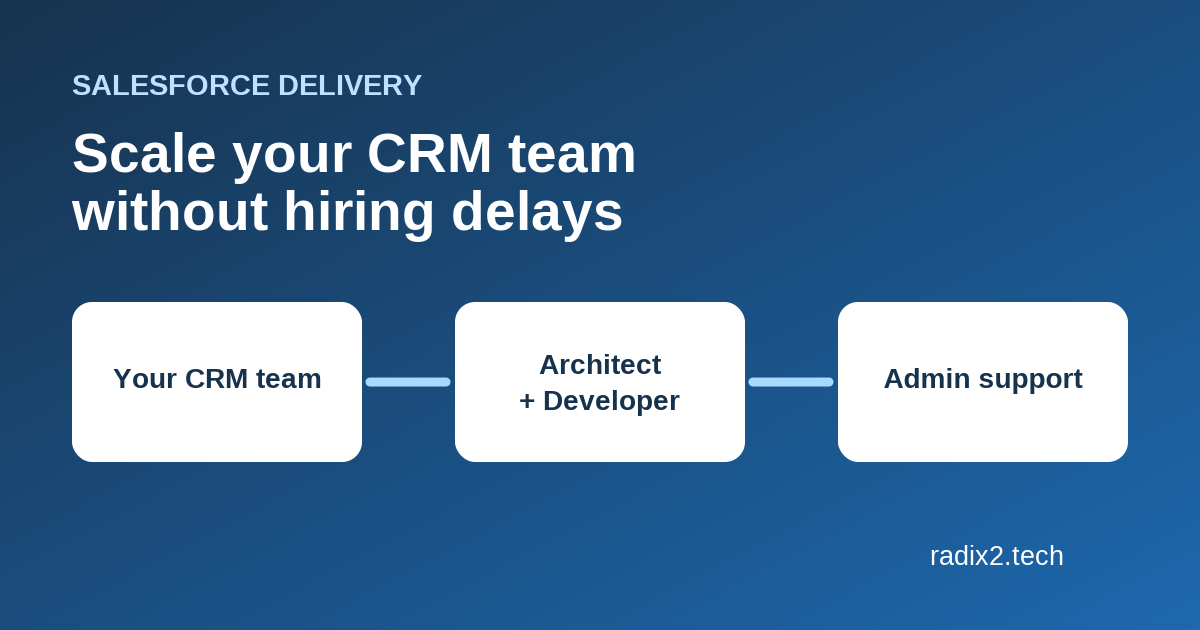
Salesforce staff augmentation solves this bottleneck. Instead of waiting six months to make a permanent hire, or handing over your entire org to a rigid, traditional consulting agency, staff augmentation lets you plug vetted Salesforce engineers, admins, and architects directly into your existing team.
Here is how Salesforce staff augmentation works, when it makes the most sense for your business, and how to make sure augmented talent actually delivers value from week one.
What Is Salesforce Staff Augmentation?
Staff augmentation is a flexible way to add specialized talent to your internal team for a set period or project.
Unlike traditional project outsourcing, where you hand over a list of requirements to an external agency and wait for them to deliver a finished product months later, staff augmentation puts external Salesforce experts right inside your daily workflow. They join your Slack channels, attend your daily standups, work inside your Jira boards, and build directly alongside your internal staff.
You keep full control over priorities, architecture decisions, and sprint schedules while immediately gaining the technical skills your team is missing.
Staff Augmentation vs. Traditional Consulting vs. Full-Time Hiring
Choosing the right model depends on your budget, timeline, and internal management capacity:
| Factor | Full-Time Hiring | Traditional Consulting Agency | Salesforce Staff Augmentation |
|---|---|---|---|
| Time to Start | 2 to 6 months | 2 to 4 weeks | Days to 2 weeks |
| Control Over Work | Complete internal control | Agency manages scope and timeline | Complete internal control |
| Cost Structure | Fixed salary, benefits, and recruiting fees | High fixed bids or rigid change orders | Flexible hourly or monthly rates |
| Best Use Case | Long-term core leadership and everyday operations | End-to-end builds when you have zero internal tech leads | Clearing backlogs, specialized builds, and scaling fast |
4 Signs Your Team Needs Salesforce Staff Augmentation
1. Your Backlog Is Growing Faster Than Your Team Can Clear It
Your internal Salesforce admin is great at managing users, building reports, and handling everyday requests. But when leadership asks for complex Apex triggers, Lightning Web Components (LWC), or CPQ pricing rules, those tickets sit untouched for months because nobody has the bandwidth or coding depth to tackle them.
2. You Have a High-Priority Integration or Migration Deadline
Connecting Salesforce to an ERP like NetSuite or SAP, or rolling out Salesforce Data Cloud, requires niche integration skills. You might not need a full-time integration architect permanently on your payroll once the sync is live, making a 3 to 6 month augmented specialist the smartest financial move.
3. Recruiting Senior Talent Is Stalling Your Roadmap
Good senior Salesforce developers and architects are hard to find and expensive to hire. If open requisitions have been sitting unfilled for a quarter while product launches wait on CRM updates, bringing in augmented engineers keeps your roadmap moving while your recruiting team continues searching.
4. You Need Niche Skills for a Short Window
Maybe your team is solid on Sales Cloud, but you are suddenly rolling out Service Cloud, Field Service, or Agentforce. Bringing in someone who has already built those exact setups three or four times prevents costly rookie mistakes and speeds up your launch.
How to Set Up Augmented Talent for Success
Simply dropping a contractor into your org without guardrails leads to messy code and wasted hours. Follow these practical steps to get results fast:
- Define Clear Technical Ownership: Assign one internal lead, whether that is your Head of RevOps, IT Manager, or Lead Admin, to own sprint priorities and code reviews. Augmented engineers move fastest when they have clear tickets and quick answers to business questions.
- Enforce Sandbox and CI/CD Standards: Never let external developers build directly in production. Give them dedicated developer sandboxes and require all changes to pass through your standard Git repository and CI/CD deployment pipelines.
- Require Documentation as They Build: Make clear documentation part of every ticket's "Definition of Done." Before an augmented developer wraps up a feature, they should leave clean notes explaining custom fields, flow logic, and integration endpoints so your internal team can maintain it easily later.
- Start With a Focused Sprint: Before committing to a long-term engagement, start with a well-defined two-week sprint, such as refactoring a slow Apex class, fixing a broken API sync, or building a specific LWC dashboard. It lets you verify their code quality and communication style right away.
Scale Your Salesforce Team With Radix2
Whether you need a senior integration engineer to connect your ERP, an LWC developer to overhaul your user interface, or an experienced admin to clear a three-month ticket backlog, Radix2 can help.
We provide vetted Salesforce specialists who integrate seamlessly into your daily standups, follow strict security and sandbox practices, and write clean, maintainable solutions without the overhead of a traditional agency.
Tell us about your current backlog and technical gaps, and we will match you with the right Salesforce talent.